Page 2 - JASON JASON

  1. What Exactly is a Copilot+ PC? Your Simple Guide to new AI-Powered Computing

    What Exactly is a Copilot+ PC? Your Simple Guide to new AI-Powered Computing

    If you've been shopping for a new laptop recently, you might have come across the term "Copilot+ PC" and wondered what all the fuss is about. Is it just another marketing term, or does it represent something genuinely different? At Landmark Computers, we've been helping Australians navigate technology choices for years, and we can tell you that Copilot+ PCs mark a significant shift in how laptops handle artificial intelligence, bringing powerful AI capabilities directly to your device.

    Let's break down what Copilot+ PCs are, what makes them special, and whether you should consider one for your next laptop purchase.

    Understanding Copilot+ PCs: The Basics

    A Copilot+ PC is Microsoft's term for a new category of Windows 11 laptops that include dedicated AI hardware called a Neural Processing Unit (NPU). Think of it as having a specialised AI brain built into your laptop, separate from the main processor and graphics card.

    To earn the Copilot+ PC badge, a laptop must meet specific requirements:

    Read more »
  2. Certified vs Non-Certified Graphics Drivers: What's the Difference?

    Certified vs Non-Certified Graphics Drivers: What's the Difference?
    Certified vs Non-Certified Graphics Drivers: What's the Difference?

    Certified vs Non-Certified Graphics Drivers: What's the Difference?

    When selecting a CAD laptop, understanding the difference between certified and non-certified graphics drivers can be crucial for your professional workflow. While many users focus on graphics card specifications like VRAM and processing power, the type of driver support your graphics card receives can significantly impact stability, performance, and compatibility with professional CAD applications.

    Quarterly updates aligned with major CAD software releases

    Stability focus over cutting-edge features

    Thorough testing before public release

    Long-term support for established driver versions

    Best Practices for Driver Management

    Professional CAD users should follow these driver management practices:

    Use certified driver versions recommended by CAD software vendors

    Test new drivers in non-production environments first

    Maintain driver consistency across team workstations

    Read more »
  3. Mobile Workstation vs Gaming Laptop: Why CAD Users Need Professional Hardware

    Mobile Workstation vs Gaming Lapto
    Mobile Workstation vs Gaming Laptop: Why CAD Users Need Professional Hardware

    When shopping for a laptop capable of running CAD software, you might be tempted by high-end gaming laptops. After all, they boast powerful graphics cards, fast processors, and often come with attractive price tags. However, there are crucial differences between gaming laptops and mobile workstations that can significantly impact your CAD workflow and productivity.

    Understanding these differences is essential for making an informed decision that will serve your professional needs for years to come.

    Read more »
  4. A Simple Guide to Line Interactive UPS

    A Simple Guide to Line Interactive UPS

    When it comes to protecting your computer, servers, or other sensitive electronics from power issues, a Line Interactive UPS (Uninterruptible Power Supply) is one of the most effective and popular solutions. But what exactly is a Line Interactive UPS, and why should you consider using one? Let’s break it down in simple terms.

    What is a Line Interactive UPS?

    A Line Interactive UPS keeps your devices powered during outages and protects them from voltage changes like sags (dips) and surges (spikes). Unlike a basic standby UPS, it actively regulates voltage without switching to battery power every time there’s a minor fluctuation.

    How It Works

    1. Normal Operation: When the power supply is stable, the UPS allows electricity to flow directly to your devices.
    2. Voltage Regulation: If voltage drops (a "sag") or spikes (a "surge"), the UPS automatically adjusts the voltage using an Automatic Voltage Regulator (AVR)—without switching to battery power.
    3. Battery Backup: During a power outage, the UPS switches
    Read more »
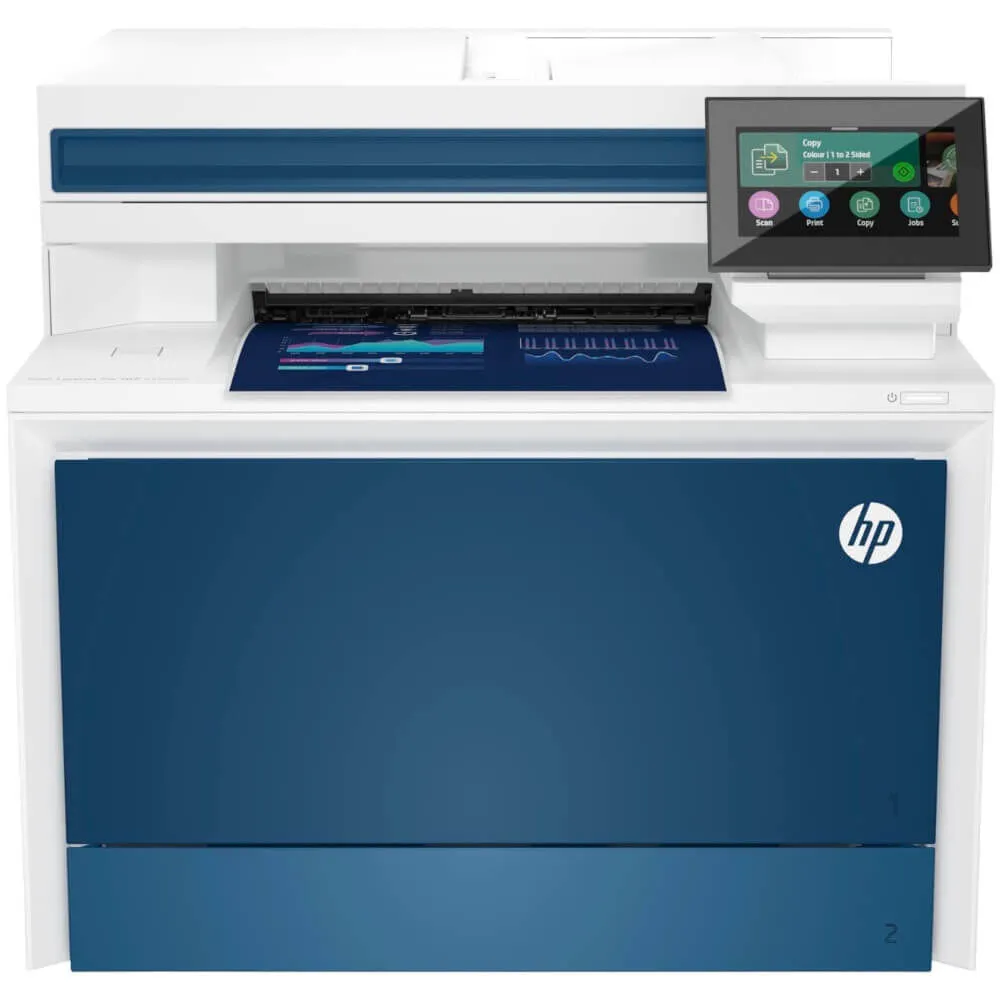
  5. Top 10 Printers for Home and Office

    Top 10 Printers for Home and Office

    Many of us are going paperless, but there is still a huge demand for homes and offices for a reliable printer that can handle various supporting functions.

    If this isn’t your area of expertise, don’t fret – finding the right printer for your home or office doesn’t have to be complicated. Whether you’re printing school projects, important work documents, or even some cherished family photos, there’s a printer out there that fits your needs perfectly.

    In this guide, we’ll walk you through some of our top 10 printers ideal for home and office use in Australia, making your decision easier.

    Some Points to Keep in Mind When Choosing a Printer

    1. Print Quality

    How important is the quality of your prints? A printer with good resolution (like 1200 x 1200 dpi) will ensure your prints are clear and professional for text-heavy documents. Look for a printer that handles colour well if you need to print photos.

    2. Print Speed

    Need to print large documents quickly? Laser printers are typically faster

    Read more »
  6. Laptop Repair Tips for 2024 Models

    Laptop Repair Tips - How to Troubleshoot and Fix Common Issues

    Laptop Repair Tips for 2024 Models: How to Troubleshoot and Fix Common Issues

    Our laptops are like extensions of ourselves when it comes to getting work done. Add to that our ongoing online shopping, study, and entertainment, and we have come to rely on them more than ever!

    Unfortunately, even the newest 2024 models can encounter problems.

    Knowing how to troubleshoot these issues can help keep your laptop running smoothly and extend its lifespan. In this article, we'll provide some practical tips for diagnosing and fixing common laptop problems.

    How Do You Troubleshoot Laptop Issues?

    When your laptop starts acting up, the first step is to figure out what’s wrong. Let’s dive into some common problems and how you can address them.

    What to Do If Your Screen Isn’t Working Right

    Screen problems can be particularly frustrating, especially when you rely on your laptop every day. Whether it’s a flickering screen or one that’s completely blank, here’s how to handle it:

    • Flickering Screen: A flickering
    Read more »
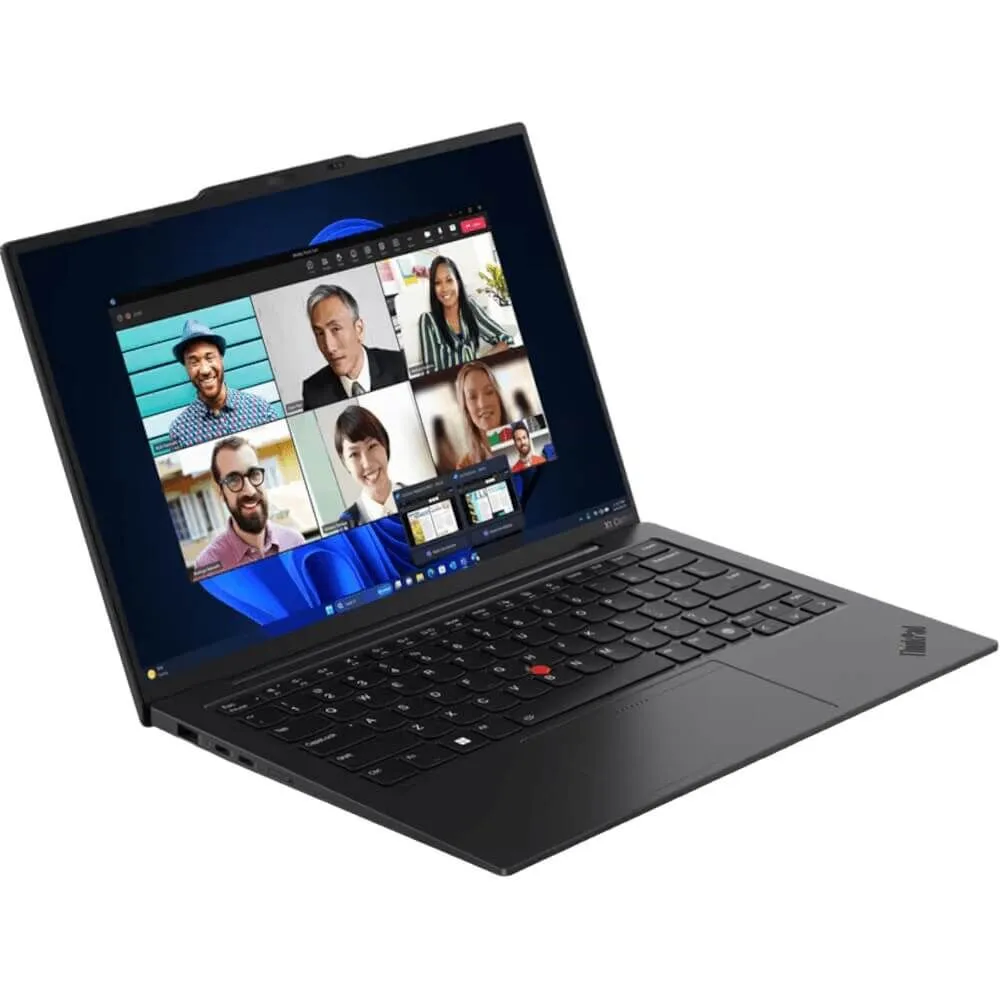
  7. Lenovo ThinkPad X1 Carbon (2024 Edition): Comprehensive Buying Guide and Review

    X1 Carbon Buying Guide

    Lenovo ThinkPad X1 Carbon (2024 Edition): Your Go-To Guide for a Smart Purchase

    Thinking about upgrading your work laptop? 

    The Lenovo ThinkPad X1 Carbon might be the answer you’re looking for. Known for its sleek design and reliable performance, this laptop is a solid choice for professionals in Australia who need a dependable machine to keep up with their busy lives. 

    Let’s break down what makes this laptop stand out and whether it fits you.

    What Makes the New Lenovo ThinkPad X1 Carbon a Special Edition to the Range?

    The 2024 Lenovo ThinkPad X1 Carbon model continues the brand’s tradition of blending portability with power. Here is a laptop designed for professionals who need something lightweight yet sturdy, powerful yet energy-efficient. 

    But what are the specific features that make it shine?

    Light as a Feather, Strong as Steel

    • Weighing just 1.08kg, this laptop is easy to carry around all day.
    • It’s made from carbon fibre and aluminium, which are known for being durable and light.
    Read more »
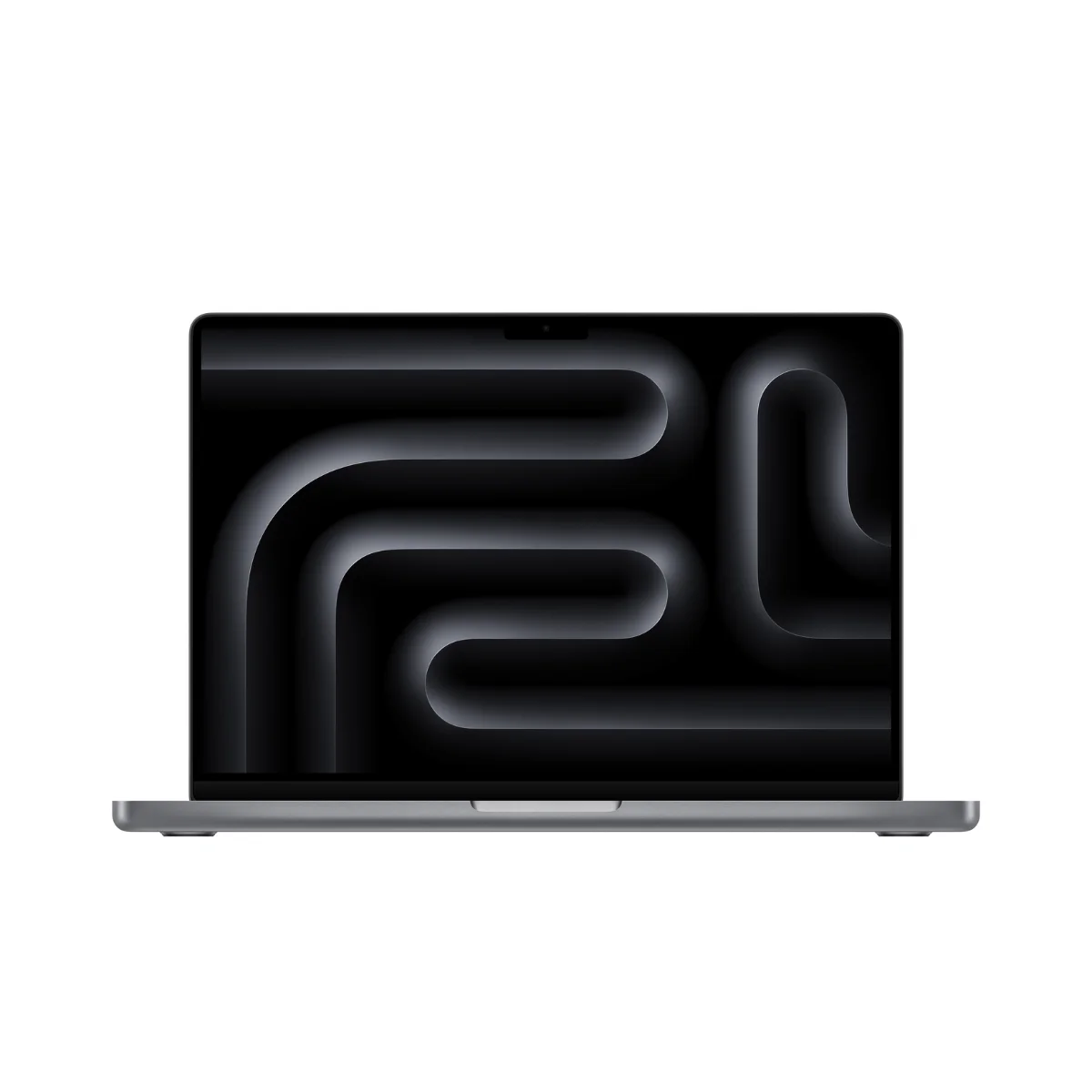
  8. 2024 MacBook Pro Buying Guide: Features, Specs, and Performance Overview

    2024 MacBook Pro Buying Guide: Features, Specs, and Performance Overview

    2024 MacBook Pro Buying Guide: Features, Specs, and Performance Overview

    Apple's MacBook Pro lineup has long been the go-to choice for professionals and power users who demand the best performance and features in a portable package. 

    In 2024, Apple has once again raised the bar with its latest 14-inch and 16-inch MacBook Pro models, powered by the next-generation M3 series chips. 

    In this buying guide, we'll explore the key features, specifications, and performance improvements that make the 2024 MacBook Pro a compelling choice for anyone needing a powerful, versatile laptop.


    M3 Series Chips: Unparalleled Performance

    At the heart of the 2024 MacBook Pro lineup are Apple's latest M3 series chips, which offer significant performance improvements over their already impressive predecessors:

    • M3 Chip: 8-core CPU, 10-core GPU, 16-core Neural Engine, 100GB/s memory bandwidth
    • M3 Pro Chip: Up to 12-core CPU, 18-core GPU, 16-core Neural Engine, 150GB/s memory bandwidth
    • M3 Max Chip: Up to 16-core
    Read more »
  9. Microsoft Surface Laptop 5 vs. Surface Pro 8

    Surface Laptop 5 vs. Surface Pro 8 Comparison

    Surface Laptop 5 vs. Surface Pro 8: Choosing the Best Surface Device

    Microsoft's Surface line has become synonymous with sleek, powerful, and versatile Windows devices. Two of their latest offerings, the Surface Laptop 5 and Surface Pro 8, continue this tradition, providing users with cutting-edge technology and productivity-focused design. In this post, we'll compare these two devices to help you determine which one best suits your needs.


    Specs Comparison of the Surface 8 vs. Surface Laptop 5

    Design and Portability

    The Microsoft Surface Laptop 5 features a traditional clamshell laptop design with a premium aluminium chassis available in elegant colours like Platinum and Matte Black. Weighing around 2.8 pounds (1.3 kg) and measuring just 0.57 inches (14.5 mm) thin, it's easy to carry around for work or school.

    On the other hand, the Microsoft Surface Pro 8 offers the versatility of a tablet and laptop in one device. Its sleek, magnesium body weighs only 891 grams and is 0.37 inches (9.3

    Read more »
  10. Business Monitor Buying Guide

    BUYING A BUSINESS MONITOR - KEY FACTORS TO CONSIDER


    As technology continues to evolve and Aussie businesses become even more reliant on computers, it's important for business owners and professionals alike to ensure they are equipped with the right devices for work. One critical device that is often overlooked is the business monitor. With so many options available on the market, it's important to understand the key factors to consider when making a purchase. In this guide, we'll explore why a business monitor is important, how to assess your specific needs, and the key features to look for when selecting the perfect business monitor.


    Understanding the importance of a business monitor

    A business monitor is a crucial component of any office setup, and for good reason. The right business monitor can have a significant impact on productivity, efficiency, and user experience within an office or work from home environment.


    ENHANCING PRODUCTIVITY AND EFFICIENCY

    When it comes to productivity,

    Read more »